
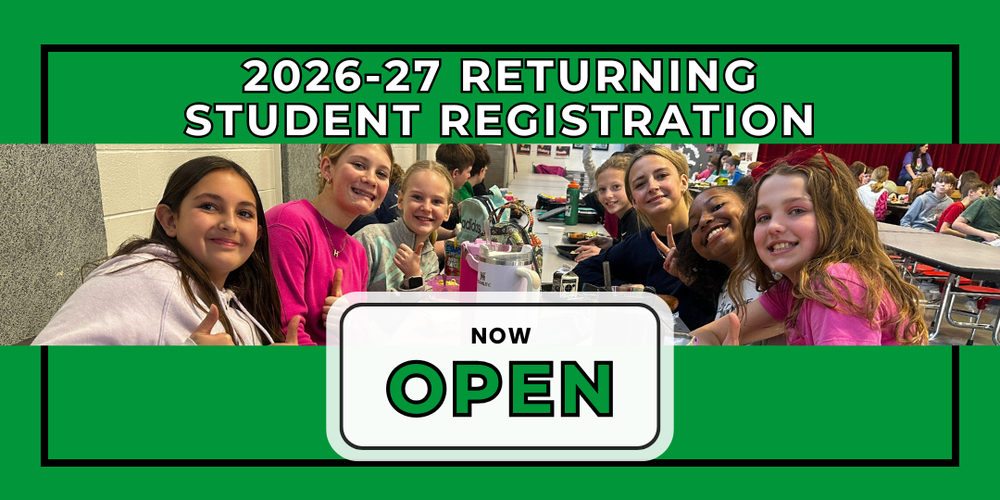
Returning Student Registration for 2026-27 is now open! Families of current students who will be returning to the Smithville School District for the 2026-27 school year can register their students today. Updates to demographics and other information will be made online following the directions below.
The 4 steps to enroll your child are provided below:
Step 1: Returning Student Registration can be completed by parents logging into their Powerschool Parent Portal Account.
Step 2: Gather the following documents needed for online enrollment
Proof of Residency (utility bill, lease, or real estate contract within 30 days of the start of school) Grades: Incoming Kindergarten, 4th, 7th, and 9th
Updated Immunizations - Grades: Incoming Kindergarten, 8th, and 12th
Step 3: Once logged into the Powerschool Parent Portal Account, click Forms in the left-hand menu. Complete the forms under sub-heading Smithville Returning Student Forms. Be sure to click "submit" at the bottom of each form.
The Student Contact Management Form requires one parent/guardian and one emergency contact who is not a parent/guardian.
To ensure we have accurate information, contacts must be completed or updated for each student in your family. The "Receives mail" checkbox allows contacts to receive district communications (such as inclement weather notifications and lunch balance alerts).
Step 4: Watch your email in late-summer for "Back to School" forms that will need to be completed at that time.
For more information regarding Returning Student Registration, visit the Returning Student Registration page
New students to the district, please go to the New Student Registration page